Kubernetes Runner — Production Bot Deployment
The Kubernetes Runner deploys each bot as its own Deployment + Service + Ingress route inside a Kubernetes cluster, giving you true per-bot isolation, horizontal scaling across nodes, and built-in observability via Prometheus. It's the right choice once you're running more than ~10 bots, want high availability, or already operate other workloads on Kubernetes.
This guide walks through cluster preparation, ingress and TLS configuration, kubeconfig setup, and how VolatiCloud actually deploys bots once everything is wired up. For the simpler single-host alternative, see Docker Runner.
When to Pick Kubernetes Over Docker
| Scenario | Recommended runner |
|---|---|
| Fewer than 10 bots, personal use | Docker — simpler |
| 10–100 bots, team or solo at scale | Kubernetes |
| 100+ bots, production trading | Kubernetes |
| High availability required | Kubernetes |
| Per-bot resource isolation needed | Kubernetes |
| Already running other workloads on K8s | Kubernetes |
Prerequisites
- Kubernetes 1.24+ cluster
kubectlaccess with cluster-admin permissions (needed for namespace, RBAC, and PVC creation)- Ingress controller installed (nginx-ingress recommended; any compatible controller works)
- Optional but recommended: Prometheus Operator for metrics scraping
- Optional but recommended: S3-compatible storage for SQLite database backups
Cluster Preparation
Install Nginx Ingress
If your cluster doesn't already have an ingress controller:
helm repo add ingress-nginx https://kubernetes.github.io/ingress-nginx
helm install ingress-nginx ingress-nginx/ingress-nginx \
  --namespace ingress-nginx \
  --create-namespace
Create a Bot Namespace
VolatiCloud places each bot in a dedicated namespace (or a shard of namespaces at high scale — see Namespace Sharding below). Create the base namespace:
kubectl create namespace volaticloud-bots
Adding the Kubernetes Runner
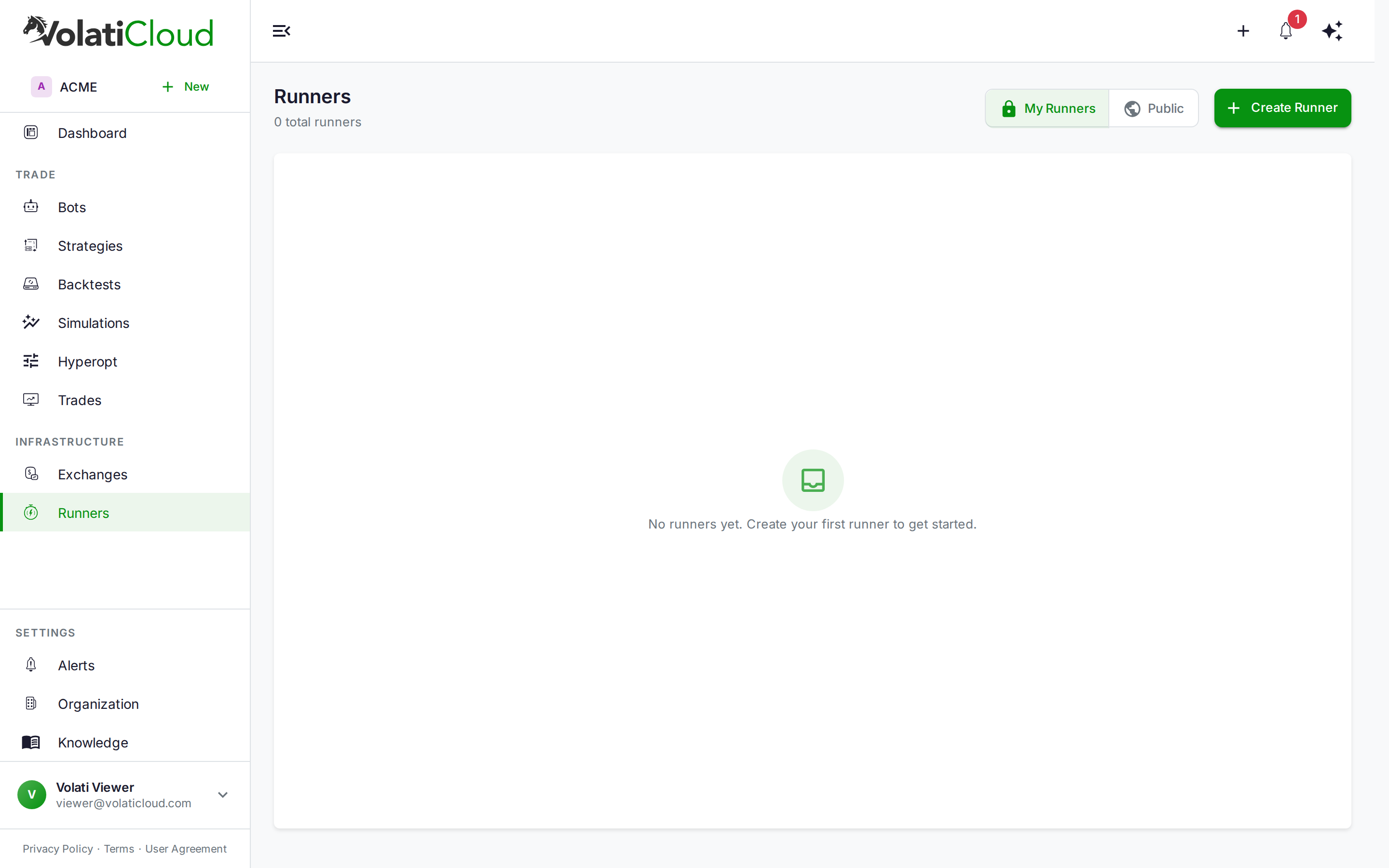
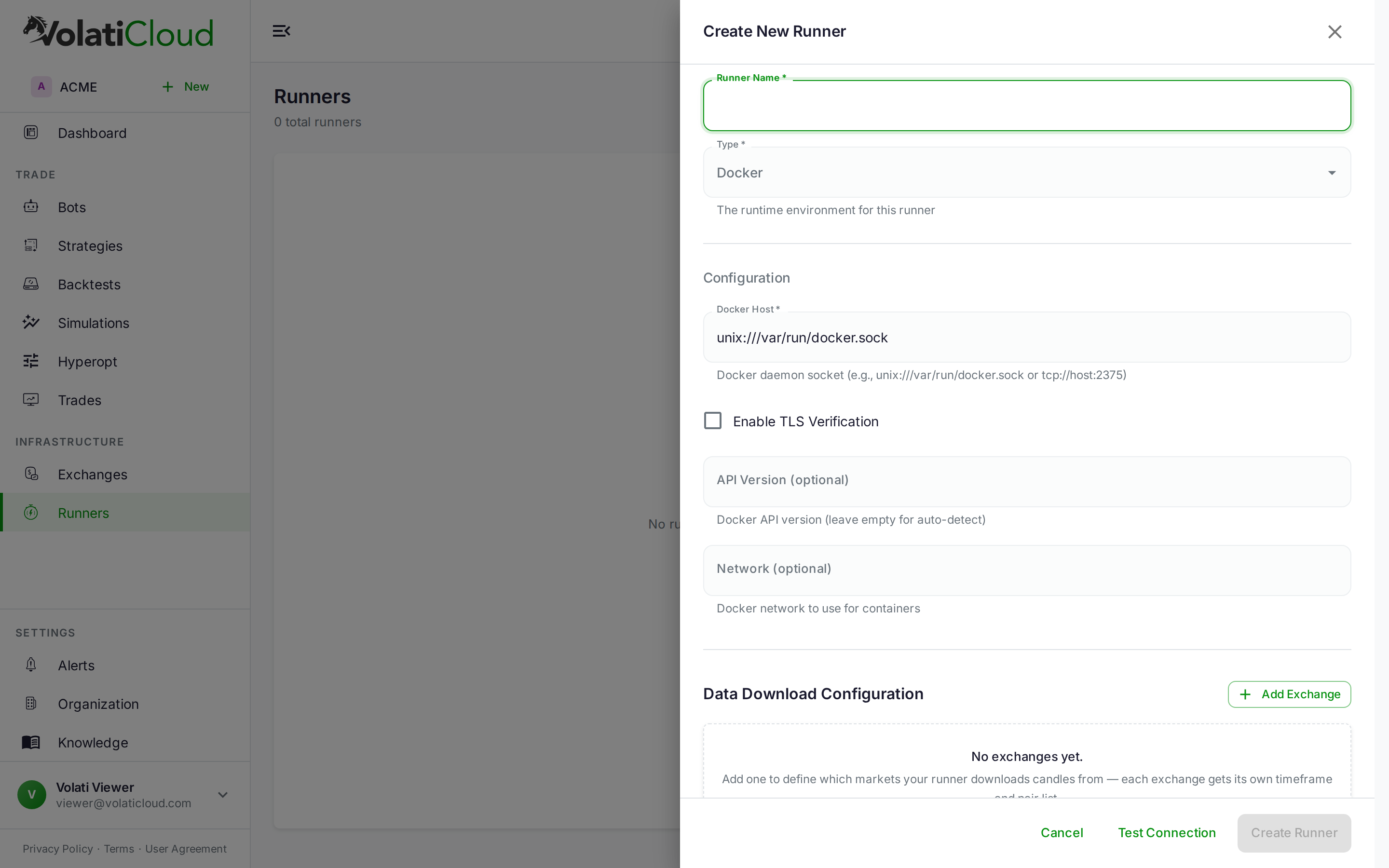
- Open Runners → Create Runner
- Pick the Kubernetes runner type
- Fill in the configuration (described below)
Required Fields — Kubeconfig
| Field | Description | Example |
|---|---|---|
| Kubeconfig | Full kubeconfig YAML, pasted | (paste your kubeconfig) |
| Context | Kubernetes context to use | my-cluster |
| Namespace | Base namespace for bot deployments | volaticloud-bots |
The kubeconfig is encrypted at rest with field-level AES-256-GCM. Use a kubeconfig scoped to the bot namespace via RBAC if you don't want VolatiCloud to have cluster-admin in production — at minimum it needs Deployment, Service, Ingress, PersistentVolumeClaim, ConfigMap, and Secret permissions in the target namespace.
Required Fields — Ingress
| Field | Description | Example |
|---|---|---|
| Ingress host | Base domain for bot URLs (each bot gets a subdomain) | bots.company.com |
| Ingress class | Ingress controller class | nginx |
| TLS enabled | Enable HTTPS for bot ingress | true |
| TLS secret | Kubernetes TLS secret name | bots-tls |
Required Fields — Storage
| Field | Description | Example |
|---|---|---|
| Storage class | Kubernetes storage class for PVCs | standard |
| Shared data PVC | PVC for shared historical OHLCV cache | freqtrade-data |
| Freqtrade image | Docker image for bot containers | freqtradeorg/freqtrade:stable |
Optional — Observability
| Field | Description | Example |
|---|---|---|
| Prometheus URL | Prometheus server for metrics scraping | http://prometheus:9090 |
TLS Configuration
For HTTPS on bot ingress URLs, create a TLS secret in the bot namespace.
With cert-manager (recommended)
apiVersion: cert-manager.io/v1
kind: Certificate
metadata:
  name: bots-tls
  namespace: volaticloud-bots
spec:
  secretName: bots-tls
  issuerRef:
    name: letsencrypt-prod
    kind: ClusterIssuer
  dnsNames:
    - "*.bots.company.com"
Manual wildcard certificate
kubectl create secret tls bots-tls \
  --cert=tls.crt \
  --key=tls.key \
  -n volaticloud-bots
Use a wildcard certificate (*.bots.company.com) so each bot gets its own subdomain without having to issue a certificate per bot.
Shared Data PVC
Create a single shared persistent volume for historical OHLCV data, mounted into every bot pod. This avoids re-caching the same OHLCV files per bot and dramatically reduces both startup time and storage cost.
apiVersion: v1
kind: PersistentVolumeClaim
metadata:
  name: freqtrade-data
  namespace: volaticloud-bots
spec:
  accessModes:
    - ReadWriteMany   # required for sharing across pods
  resources:
    requests:
      storage: 50Gi
  storageClassName: standard
ReadWriteMany is required — confirm your storage class supports it (NFS, EFS, CephFS, Longhorn). If your storage class only supports ReadWriteOnce, you'll need a per-bot data volume instead, which is significantly more expensive at scale.
How Bots Are Deployed
When you start a bot on a Kubernetes runner, VolatiCloud:
- Picks a target namespace — the configured namespace, or one of N shards if namespace sharding is enabled
- Creates a Deployment with 1 replica running the configured Freqtrade image
- Creates a Service exposing the Freqtrade REST API
- Creates an Ingress so VolatiCloud's control plane can reach the API
- Gives the bot an ephemeral working directory (
emptyDir) — there is no per-bot PersistentVolumeClaim - Wires up Prometheus scraping if a Prometheus URL is configured
- Restores the SQLite database from S3 in an init container, if S3 is configured and the bot was previously backed up
While the bot runs, the database is backed up to S3 periodically; it is also uploaded when you stop the bot and from a preStop hook when the pod is terminated. The pod's working directory is deleted with the pod, so without S3 configured, a bot's trade history does not survive a pod restart. See ADR-0032 — Bot Database Backup Strategy for the backup contract.
Resource Allocation
Default resource requests and limits per bot:
| Resource | Request | Limit |
|---|---|---|
| CPU | 100m | 500m |
| Memory | 256Mi | 512Mi |
These are sized for typical 5–20 pair bots. Heavy strategies on many pairs may need higher limits — configure per-runner overrides in the runner's advanced settings.
S3 Database Backups
Configure S3 to automatically back up bot SQLite databases. The lifecycle:
Bot starts → SQLite restored from S3 (if exists) → bot runs → bot stops → SQLite uploaded to S3
Bot restarts → SQLite restored from S3 → trade history continues
This means trade history survives:
- Pod restarts (e.g., node maintenance)
- Runner migrations (rebuilding the cluster)
- Node drains and evictions
Configure S3 endpoint, bucket, access key, secret, and region in the runner. Credentials are encrypted at rest the same as the kubeconfig.
Cluster Sizing Guidelines
| Bots | Nodes | RAM per node | CPU per node |
|---|---|---|---|
| 1–10 | 1–2 | 4 GB | 2 vCPU |
| 10–50 | 3–5 | 8 GB | 4 vCPU |
| 50–200 | 5–10 | 16 GB | 8 vCPU |
| 200+ | 10+ | 32 GB | 16 vCPU |
Pick node sizes that fit at least 4–8 bots per node so failure domains stay reasonable. Single huge nodes are an anti-pattern — they concentrate failure risk.
Namespace Sharding
For very high-scale deployments (100+ bots), VolatiCloud distributes bots across multiple namespaces. The reasoning:
- Kubernetes RBAC lookups become slow with thousands of resources in a single namespace
- ResourceQuotas and LimitRanges are per-namespace — sharding lets you set per-shard policies
- Per-namespace controllers (network policies, OPA constraints) operate faster on smaller object sets
- Operational blast radius is contained — a misconfigured policy on one namespace doesn't affect every bot
The shard count is configurable per runner. See ADR-0058 — Shared Ingress and Namespace Sharding for the architectural reasoning.
Test the Runner
After saving the runner, click Test Connection. VolatiCloud:
- Connects to the cluster using the kubeconfig
- Verifies namespace access
- Checks the storage class is available
- Confirms the ingress class exists
- Reports any blocking issues with actionable error messages
Troubleshooting
Connection failed: forbidden
- The kubeconfig's user lacks RBAC permissions in the target namespace. Grant Deployment / Service / Ingress / PVC / ConfigMap / Secret rights at minimum.
Storage class not found
- Verify the storage class exists:
kubectl get storageclass - Confirm it supports the access mode you need (
ReadWriteManyfor the shared data PVC)
Ingress not provisioned
- Confirm the ingress controller is installed and running
- Verify the ingress class string matches your controller's class name
Bot pod stuck in Pending
kubectl describe podto see the event log — usually insufficient resources or a missing PVC
Related guides
- Runners Overview — Compare Docker, Kubernetes, and Local runners.
- Docker Runner — Simpler single-host alternative.
- Creating a Bot — Attach a Kubernetes runner to a bot and go live.
- Security — Encryption — How kubeconfigs and S3 keys are protected at rest.