Bot Runners — Where Your Bots Actually Run
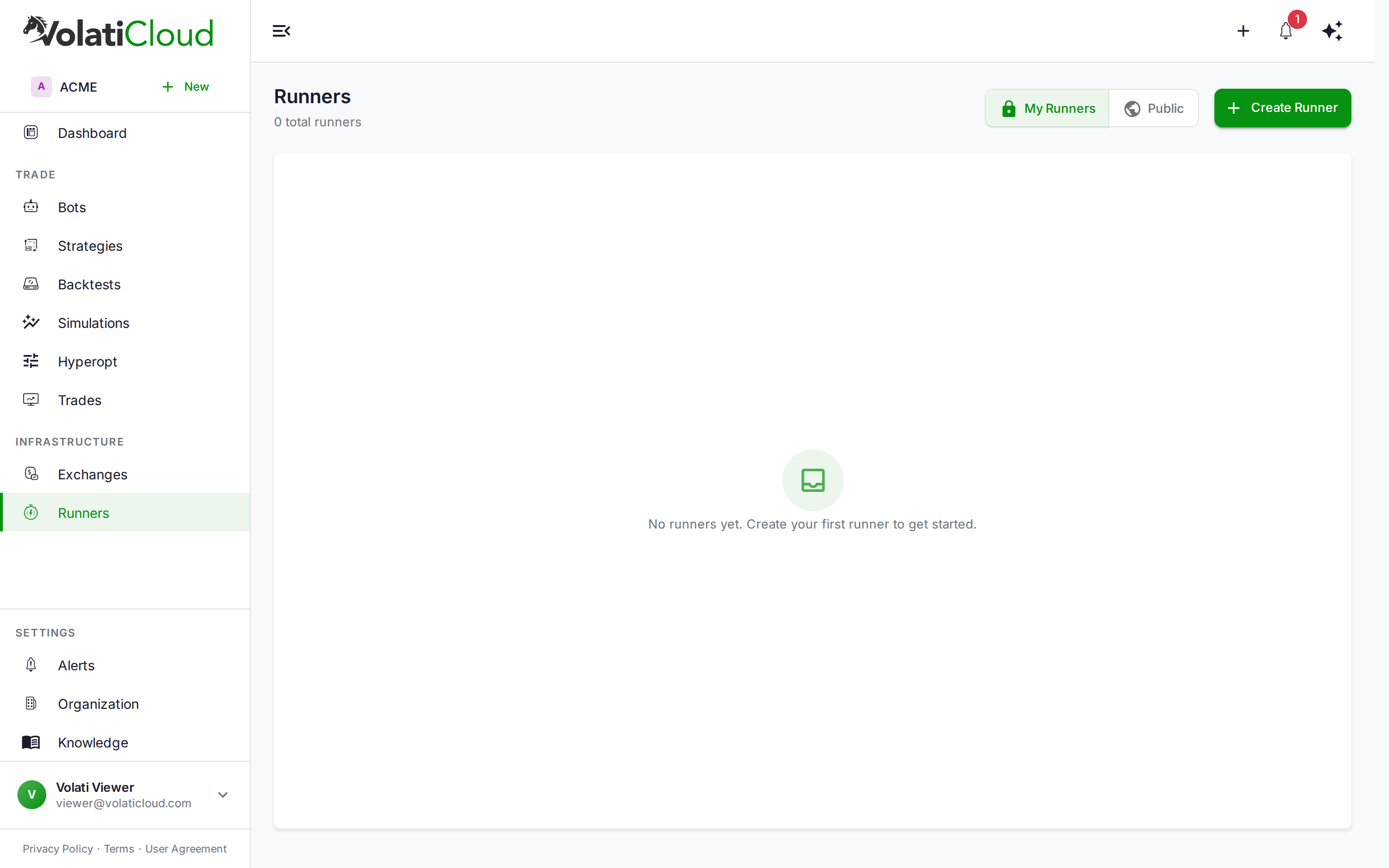
A Runner is the infrastructure that executes your bots. Bots themselves are just configuration (a strategy, an exchange connection, risk parameters); the runner is the server — Docker host, Kubernetes cluster, or local control-plane process — that actually pulls the Freqtrade image, mounts the bot's database, places trades, and reports results back to VolatiCloud.
This page explains the three runner types, when to pick each, what they store, and how visibility and sharing work across an organization. For step-by-step setup, see Docker Runner or Kubernetes Runner.
Runner Types Compared
| Capability | Docker Runner | Kubernetes Runner | Local Runner |
|---|---|---|---|
| Best for | Self-hosted, single VPS | Production, 10+ bots | Development, debugging |
| Plan availability | Any plan that can create a runner | Any plan that can create a runner | Dev only |
| Setup complexity | Low (TLS certs) | Medium (kubeconfig, ingress) | None |
| Multi-bot isolation | Per-container | Per-pod + namespace | Shared process |
| Horizontal scaling | Single host limit | Multi-node | Single host |
| High availability | No | Yes (multi-node) | No |
| S3 database backups | Yes | Yes | No |
| Prometheus metrics | Manual | Built-in | No |
| Recommended bot count | 1–20 | 10–200+ | 1–3 |
Neither Docker nor Kubernetes is reserved for a particular tier — a runner of either type counts the same against your plan's runner cap. That cap is 0 on Starter, 1 on Pro, 10 on Enterprise. A Starter subscription cannot create a runner of its own and must use a runner another workspace has published as public. See Plans & Pricing.
If you're running fewer than 10 bots and you have a VPS or cloud VM you can administer, Docker is simpler and just as production-capable for that scale. If you're running 10+ bots, want bot-level isolation, or need high availability and Prometheus, go straight to Kubernetes.
Docker Runner
Connect VolatiCloud to any Docker host — a VPS, cloud VM, or bare-metal server with Docker installed and exposed over TLS.
Best for:
- Self-hosted setups with a single server
- Cost-sensitive deployments (one VPS can run many bots)
- Solo traders who don't want to manage Kubernetes
Requirements:
- Linux server with Docker installed
- Docker daemon exposed over TCP with TLS verification (port 2376 by default)
- Reachable from the internet on the Docker port — VolatiCloud connects out to it, from an address that is not fixed
See Docker Runner for the full setup walkthrough including TLS certificate generation.
Kubernetes Runner
Connect to a Kubernetes cluster for production-grade isolation, scaling, and observability. Each bot becomes a Deployment with its own Service and Ingress route; its SQLite database is backed up to S3 and restored on start.
Best for:
- Production trading at scale (10–200+ bots)
- Teams with DevOps capability
- Workloads needing high availability and per-bot isolation
- Anyone who already runs other workloads on Kubernetes
Features:
- Per-bot isolation — each bot lives in its own pod with its own resource quotas
- Namespace sharding — optionally, bots are distributed across multiple namespaces to avoid quota and object-count bottlenecks at high scale
- S3-backed persistence for bot SQLite databases (the pod's working directory is ephemeral)
- Automatic ingress for the Freqtrade API
- Prometheus integration for metrics collection
- S3 backup integration for SQLite database snapshots
See Kubernetes Runner for cluster preparation, kubeconfig setup, and ingress configuration.
Local Runner
Runs bots directly on the VolatiCloud control plane process. Intended for development and testing only.
The Local Runner is for development environments only. Production deployments should use Docker or Kubernetes runners — Local Runner does not provide isolation, persistence, or backup.
Creating a Runner
Click Create Runner on the Runners page to open the configuration drawer. The drawer adapts to the runner type you select — Docker fields ask for TLS certificates and host URL, Kubernetes fields ask for kubeconfig and ingress settings.
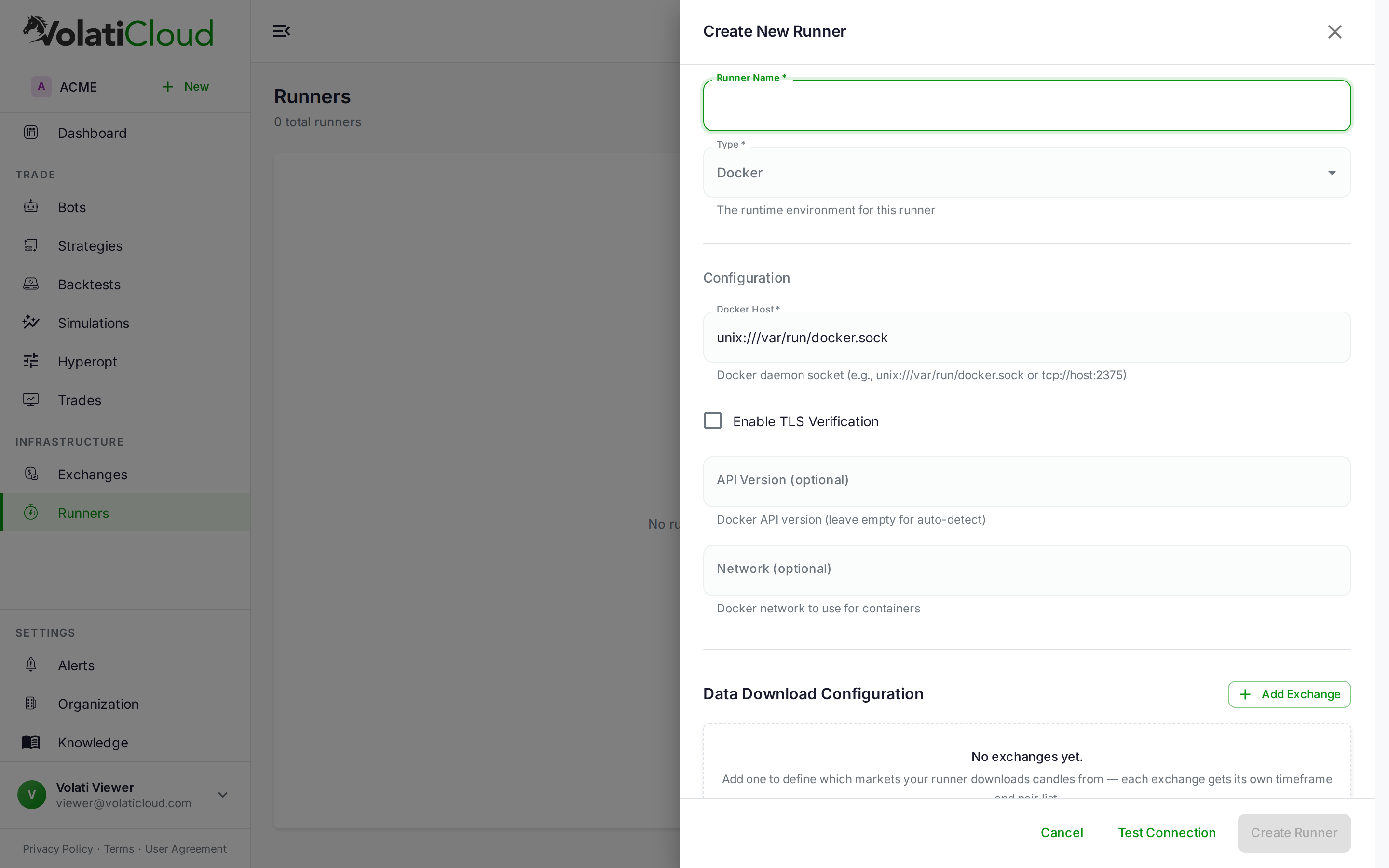
Every runner stores three categories of configuration:
| Category | What it contains |
|---|---|
| Connection credentials | Docker TLS certs and host URL, or Kubernetes kubeconfig + context + namespace |
| S3 storage settings | Endpoint, bucket, access keys for SQLite database backups and historical OHLCV cache |
| Data download config | Which exchanges and timeframes to pre-cache historical OHLCV data for |
Connection credentials and S3 access keys are protected by field-level AES-256-GCM encryption — even database administrators cannot read them in plaintext.
Runner Operations
Test Connection
Before deploying bots, click Test Connection on the runner. VolatiCloud connects to the Docker daemon (or Kubernetes API) and verifies it can list resources, pull images, and create deployments. Failures here surface as actionable errors — wrong port, expired certificate, missing namespace, RBAC denied.
Refresh Historical Data
Bots and backtests need historical OHLCV data. Trigger a download from the runner detail page:
- Open the runner
- Click Refresh Data
- Pick the exchange, timeframes, pair pattern, and how many days of history to fetch
- Watch the download progress in real time
The downloaded data lives on the runner (in a shared PVC for Kubernetes runners) and is reused across all bots and backtests on that runner.
What the Runner Manages
When a bot runs, the runner is responsible for:
- Creating, starting, stopping, and removing Freqtrade containers (or pods)
- Mounting and managing the bot's SQLite database
- Uploading database backups to S3 on stop and on schedule (per ADR-0032)
- Restoring SQLite databases from S3 when bots restart
- Serving the Freqtrade REST API endpoints VolatiCloud uses to monitor bots
VolatiCloud's control plane never holds your trading state — it lives on the runner and is backed up to your S3 bucket.
Sharing Runners
Runners can be private or public. The two settings differ far more than the names suggest: public does not mean "shared with my organization", it means shared with every VolatiCloud user.
| Visibility | Who can see it | Who can deploy bots on it |
|---|---|---|
| Private (default) | Members of the workspace that owns the runner | Members of the owning workspace |
| Public | Every signed-in VolatiCloud user, in any organization | Any signed-in user, from their own workspace |
| Sensitive config (TLS certs, kubeconfig, S3 keys) | Only members of the owning workspace with the runner secrets permission (workspace__runner__secrets_read) | — |
To share a runner with your team, keep it private: everyone in the owning workspace can already see it and create bots on it, and nobody outside the workspace can.
A public runner appears in the Public tab for every VolatiCloud user, and any of them can bind bots to it. Those bots run on your Docker host or cluster, and use its CPU, memory, and disk. Credentials stay hidden: other users never see the TLS certificates, kubeconfig, or S3 keys. Only make a runner public if you intend to offer that capacity to strangers.
Resource Sizing Guidance
The right runner size depends on bot count and strategy complexity. Rough guidelines:
| Bots | Docker host | Kubernetes nodes |
|---|---|---|
| 1–5 | 2 GB RAM, 1 vCPU | 1 node, 4 GB RAM, 2 vCPU |
| 5–20 | 4 GB RAM, 2 vCPU | 1–2 nodes, 4 GB RAM, 2 vCPU |
| 20–50 | 8 GB RAM, 4 vCPU | 3–5 nodes, 8 GB RAM, 4 vCPU |
| 50–200 | Not recommended (move to K8s) | 5–10 nodes, 16 GB RAM, 8 vCPU |
| 200+ | Not recommended | 10+ nodes, 32 GB RAM, 16 vCPU |
Storage scales with retained historical OHLCV data and per-bot SQLite database size.
Next Steps
- Docker Runner — Configure a Docker host with TLS, point VolatiCloud at it.
- Kubernetes Runner — Production-grade cluster setup, ingress, S3 backups.
- Creating a Bot — Attach a runner to a bot and go live.