Platform Overview
This page is the high-level map of VolatiCloud's architecture: what the building blocks are, how they connect, and where each one lives in the dashboard. If you'd rather jump straight to building, head to the Quick Start — you can have a dry-run bot trading real market data in about 20 minutes. This overview is the conceptual reference you can come back to whenever a term is unclear.
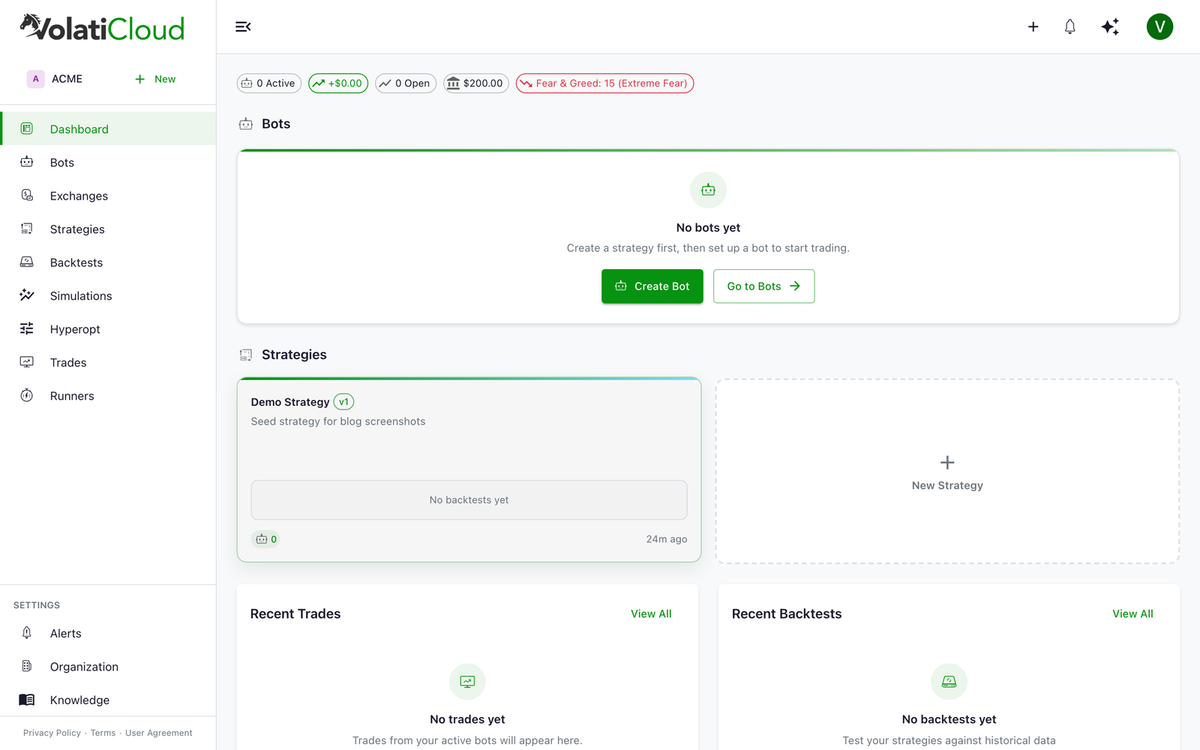
Core Trading Bot Building Blocks
Strategy
A Strategy defines the logic of how your bot trades. It specifies:
- Entry conditions — when to open a trade (e.g., RSI crosses above 30 after being oversold)
- Exit conditions — when to close a trade (e.g., target profit reached, RSI crosses above 70)
- Indicators — RSI, MACD, EMA, Bollinger Bands, ATR, Ichimoku, and 21 others
- Parameters — timeframe, trading pair patterns, stop-loss, leverage
You can author strategies two ways:
- UI Builder — visual drag-and-drop, no Python required (UI Builder docs)
- Code Mode — full Python with the complete Freqtrade strategy API (Code Mode docs)
Strategies are versioned and immutable once a backtest runs against them — see strategy versioning and forking.
Exchange
An Exchange represents your connected trading account — what a live bot trades through. VolatiCloud covers 14 venues for market data, backtesting, and dry-run bots, and accepts live API keys on the venues whose permissions it can verify. See the supported exchanges page for both tiers, capabilities (spot, margin, futures), and per-exchange API key setup.
- You need no exchange connection to backtest or run a dry-run bot — market data is public
- API keys are encrypted at rest with AES-256-GCM field-level encryption
- Supports spot, margin, and futures trading where the venue allows it
- A key is stored only once VolatiCloud has proved it cannot withdraw
Runner
A Runner is the infrastructure where your bot processes execute:
- Cloud-managed — VolatiCloud-operated Kubernetes cluster (you don't manage anything)
- Docker Runner — your own Docker host (VPS, cloud VM, on-prem)
- Kubernetes Runner — your Kubernetes cluster, for production-scale or HA setups
See runners overview for the full trade-off table.
Bot
A Bot is the live trading instance, defined as Strategy + Exchange + Runner. The bot is the thing that actually places orders on the exchange.
- Choose Dry Run (paper trading) or Live mode
- Configure stake amount, max open trades, entry/exit pricing
- Start, stop, restart, and force-exit positions from the dashboard
- Track through the bot lifecycle from
creating→running→stopped
Data Flow: How a Bot Trades
The control plane (strategy editing, backtest results, alerts) lives in the VolatiCloud cloud. The data plane (the actual Freqtrade process that places orders) lives on your chosen runner. API keys travel encrypted to the runner only when needed for execution.
Dashboard Navigation Reference
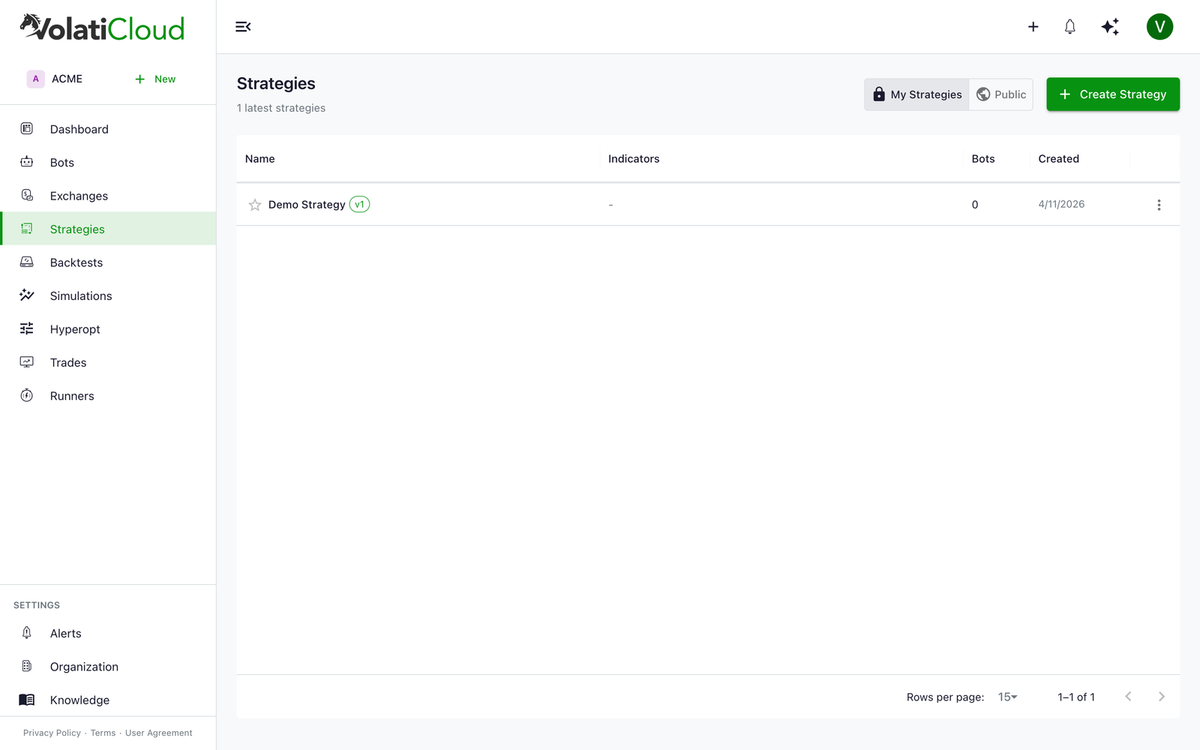
| Section | URL | What you'll find |
|---|---|---|
| Dashboard | / | Overview of all bots, recent trades, backtests |
| Bots | /bots | List and manage all trading bots |
| Strategies | /strategies | Create and manage trading strategies |
| Backtests | /backtests | Historical performance testing |
| Exchanges | /exchanges | Connected exchange accounts |
| Runners | /runners | Bot execution infrastructure |
| Alerts | /alerts | Alert rules and notification history |
| Trades | /trades | Trade history across all bots |
| Billing | /organization/billing | Subscription and credit management |
| Organization | /organization/users | Team members and permissions |
Security Model
VolatiCloud's security model has four layers:
- JWT authentication via Keycloak OpenID Connect
- UMA 2.0 authorization — fine-grained resource-level permissions, per-action scopes
- AES-256-GCM field encryption — exchange API keys encrypted before database storage with a separately-held encryption key
- Multi-tenant isolation — your data is never visible to other organizations
For the team-access dimension (how view-secrets works, role-based recipients, audit trails), see team management.
Next Steps
- Quick Start Guide — get your first bot running in about 20 minutes
- Creating a Strategy — learn about strategy types and authoring modes
- Connecting an Exchange — add your exchange API keys
- Backtesting Overview — validate before going live