Encrypted Strategy Vault: Protect Your Trading Alpha with Passphrase Encryption

A profitable trading strategy is worth protecting. When you build an edge — a set of conditions, indicator parameters, and logic that consistently outperforms the market — that code represents months of research and backtesting. The question is: once it's deployed to the cloud, who else can see it?
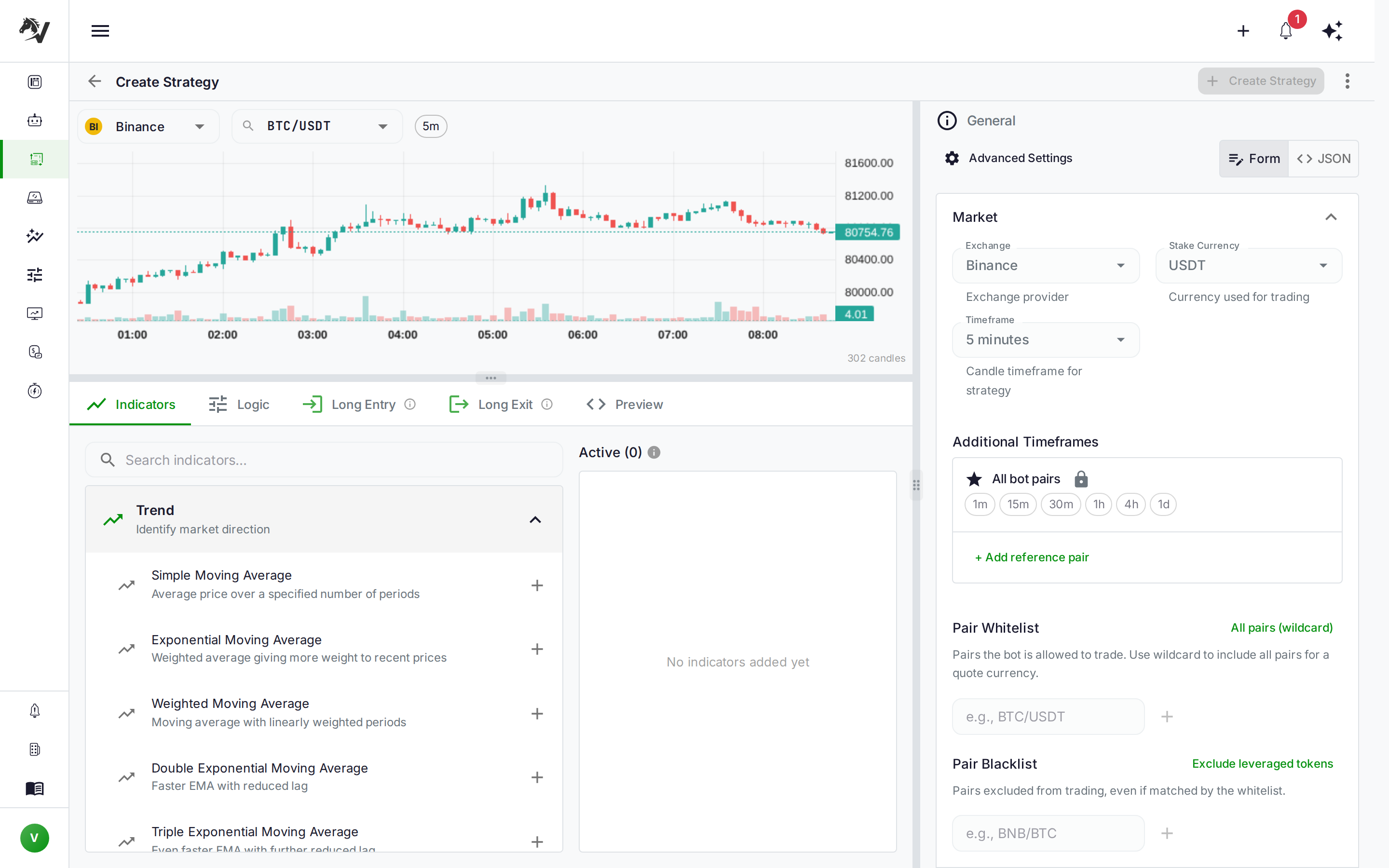
VolatiCloud's strategy passphrase encryption answers that question definitively. Your strategy code, UI builder configuration, and analysis data are encrypted at rest using AES-256-GCM — and the only key is your passphrase. Without it, the data is unreadable ciphertext to everyone, including VolatiCloud's own infrastructure.
What Is Alpha, and Why Does It Need Protection?
In trading, "alpha" refers to returns that exceed a benchmark — the portion of your performance that isn't just riding market beta. For algorithmic traders, alpha lives in your strategy: the specific combination of indicators, entry/exit conditions, timeframes, and parameter tuning that your backtests show to be profitable.
Alpha erodes when it becomes widely known. A mean-reversion pattern that works on a small timeframe stops working once enough capital chases the same signal. Unlike exchange API keys (which are a security credential with a defined scope), your strategy code is intellectual property — and it deserves to be treated as such.
Cloud deployment introduces a trust question: when you upload your strategy to a SaaS platform, does the provider have access to the code? With standard database storage, yes — your strategy is a row in a table. With passphrase encryption, no. The row is there, but its contents are ciphertext that only your passphrase can unlock.
What Gets Encrypted
VolatiCloud's encryption targets the intellectually sensitive parts of a strategy, not the operational metadata the platform needs to run it:
| Field | Encrypted | Why |
|---|---|---|
| Strategy code | Yes | Contains your entry/exit logic |
| UI builder configuration | Yes | Contains your indicator graph and signal wiring |
| Analysis / annotations | Yes | Contains your notes and research |
| Strategy name, description | No | Needed for search, discovery, and display |
| Backtest results | No | Performance data validates the strategy but isn't the strategy |
| Version history metadata | No | Timestamps and version labels remain readable |
This scoping is deliberate. Encrypting the name or backtest win-rate would make the platform unusable. Encrypting the code that generates those results is where the protection actually matters.
When your strategy is locked, a teammate with view permissions can still see the strategy name, its backtest history (Sharpe ratio, max drawdown, profit factor), and whether it's currently running on a bot. They just can't read the logic behind those numbers.
How AES-256-GCM Encryption Works
VolatiCloud uses AES-256-GCM (Advanced Encryption Standard, 256-bit key, Galois/Counter Mode). GCM provides both confidentiality and authenticated encryption — meaning any tampering with the ciphertext is detectable, not just unreadable.
The encryption hierarchy:
- Your passphrase — chosen by you, typed in the browser, never transmitted in plaintext
- Key derivation — a hardened KDF (key derivation function) transforms your passphrase into a cryptographic key; reversing this process to recover the passphrase from the derived key is computationally infeasible
- Per-field encryption — each strategy field (code, UI config, analysis) is encrypted independently with a unique nonce; no single ciphertext exposes others
- Authenticated decryption — when you unlock, the platform verifies the GCM authentication tag before returning plaintext; a corrupted or tampered ciphertext fails loudly rather than silently
The passphrase itself is never stored. The platform retains the key material needed to verify that you entered the correct passphrase, not the passphrase you typed. This means a full database compromise exposes ciphertext and key-check material — but without the passphrase, the strategy code stays encrypted.
See the VolatiCloud encryption documentation for the full technical specification.
Setting Up Your Organization Passphrase
Passphrase encryption is configured at the organization level. All members of your org share the same encryption, and anyone who holds the passphrase can unlock and view strategies.
To set your passphrase:
- Go to Organization Settings → Security in the left sidebar
- Click Set Passphrase
- Choose a strong passphrase — at least 16 characters; a password manager entry or a random word phrase works well
- Confirm and save
- Copy your recovery codes before leaving the page
Once set, all new strategies you create will have their code and UI builder config encrypted automatically. Existing strategies on the account are re-encrypted in the background — bots currently running are not interrupted.
Treat your passphrase like a master password. If you lose it and don't have recovery codes, your encrypted strategy data becomes permanently inaccessible. The platform cannot recover it — that's the guarantee.
Working with Encrypted Strategies Day-to-Day
Opening an encrypted strategy triggers an unlock prompt. The flow is straightforward:
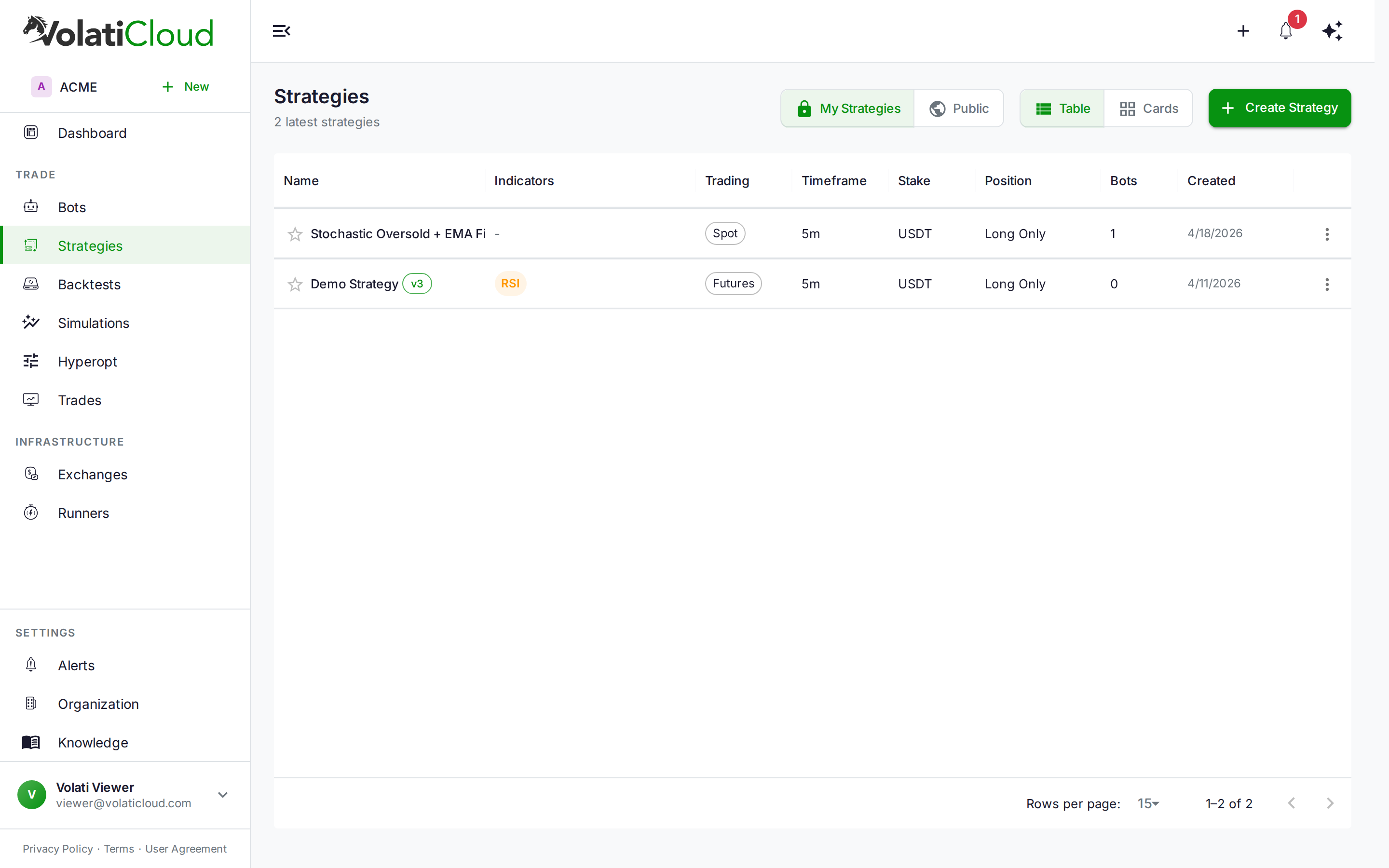
- Navigate to any strategy in the VolatiCloud console
- Click to open the editor
- Enter your passphrase in the unlock modal
- The session unlocks — you can now view and edit the strategy code
The unlock is session-scoped: it persists for your current browser session, so you won't be asked repeatedly while working on the same strategy. When you close the tab or your session expires, the editor locks again.
For team members who don't have the passphrase, the code and UI builder config fields render as redacted. The strategy name, backtest results, and bot status remain fully visible — the bot can be configured and run without exposing the underlying logic.
This separation is useful for organizations where the researcher who built the strategy and the operator who monitors the bot are different people. The operator sees "BTC Momentum v3 — currently running, last trade profitable, 94-day Sharpe 1.8." The code that generates those results is invisible to them.
Recovery Codes: Your Safety Net
During passphrase setup, VolatiCloud generates a set of one-time recovery codes. Each code can be used once to reset the organizational passphrase, bypassing the normal unlock flow.
Store them offline:
- Password manager with secure notes
- Printed copy in physical storage
- Encrypted offline file
Recovery codes exist for the scenario where the passphrase holder is unavailable — an employee departure, a forgotten credential after a long vacation, or a compromised account that requires a full passphrase rotation. Any organization admin who holds a valid recovery code can restore access.
Recovery codes are shown only once, at setup time. If you didn't save them, you can regenerate them from Organization Settings → Security — but this invalidates the previous batch. If you've lost both your passphrase and your recovery codes, encrypted strategy data cannot be recovered.
Encrypted Strategies and Team Collaboration
Passphrase encryption layers on top of VolatiCloud's existing role-based authorization. Your existing permission model — who can view, edit, fork, or run a strategy — continues to apply. Encryption adds a second dimension: even users with view permission can't read the code without the passphrase.
A practical breakdown for common scenarios:
| Scenario | Permitted | Notes |
|---|---|---|
| Team member enters passphrase and opens strategy | Yes | Full code access |
| Team member opens strategy without passphrase | Yes | Metadata visible; code redacted |
External user with view scope on a public strategy | Yes | Performance metrics visible; code encrypted |
| Running a bot against an encrypted strategy | Yes | Bots execute via the trading engine; passphrase not required at runtime |
| Forking a locked strategy | No | Must unlock first; fork inherits the same encryption |
The forking behavior matters for strategy versioning and forking workflows: when you fork a strategy you own (while unlocked), the fork inherits your passphrase encryption. Community members forking a public encrypted strategy receive a locked fork — the code transfers encrypted, not as plaintext.
When to Enable Encryption
Passphrase encryption makes the most sense when:
- Your strategy produces genuine alpha — you've validated edge through rigorous backtesting and live paper trading before investing in protecting it
- You have team members who operate bots but shouldn't see the code — read-only execution without IP exposure
- You're publishing strategies publicly — community members can run your strategy without reverse-engineering your logic
- Regulatory or competitive sensitivity — the strategy logic is a business asset with real value
It's less critical when:
- You're in the research and iteration phase — the friction of unlocking while tuning parameters adds overhead without much protection benefit
- Your strategies are based on public, documented logic — if the underlying approach is in a textbook, encryption doesn't add secrecy
- You're a solo trader — team access control isn't a concern when you're the only user
You can enable encryption at any point — including after you've already built and deployed strategies. When you set a passphrase on an existing organization, the platform re-encrypts the strategies in the background. Running bots are unaffected.
Encryption Is One Layer of a Broader Security Posture
Passphrase encryption protects your strategy code specifically. It's one element of a security posture that should also include:
- Read-only exchange API keys — your bots can trade without withdrawal permissions, limiting the blast radius of a compromised key (exchange API key security guide)
- Role-based access — team members only see what their role requires
- Multi-factor authentication — hardware passkeys and TOTP protect your account login
- Recovery codes — ensure access continuity if the passphrase holder leaves
Each layer addresses a different threat. Encryption protects intellectual property. API key restrictions protect assets. MFA protects account access. None of them substitute for the others. For the platform-wide view of these controls — field-level AES-256-GCM for credentials, passphrase-based E2EE, recovery codes, Security Levels, and BYOK Lite — see the encryption and BYOK overview on volaticloud.com.
Get Started
Strategy passphrase encryption is available on all VolatiCloud plans. Enabling it takes under two minutes: navigate to Organization → Security, set your passphrase, and copy your recovery codes before leaving.
Open the VolatiCloud console and enable strategy encryption for your organization today.
Your edge is worth protecting. Now you can.