Passkey-Encrypted Strategies: Hardware-Bound Protection for Your Trading Alpha

Every strategy you build represents real work — indicator combinations refined through dozens of backtests, parameter ranges tuned with Hyperopt, edge conditions you found by watching equity curves collapse in ways you didn't expect. When you deploy that code to any cloud platform, a legitimate question is: who can read it? Until now, the honest answer for VolatiCloud was "we can, technically." That changes today with passkey-bound end-to-end encryption for strategies.
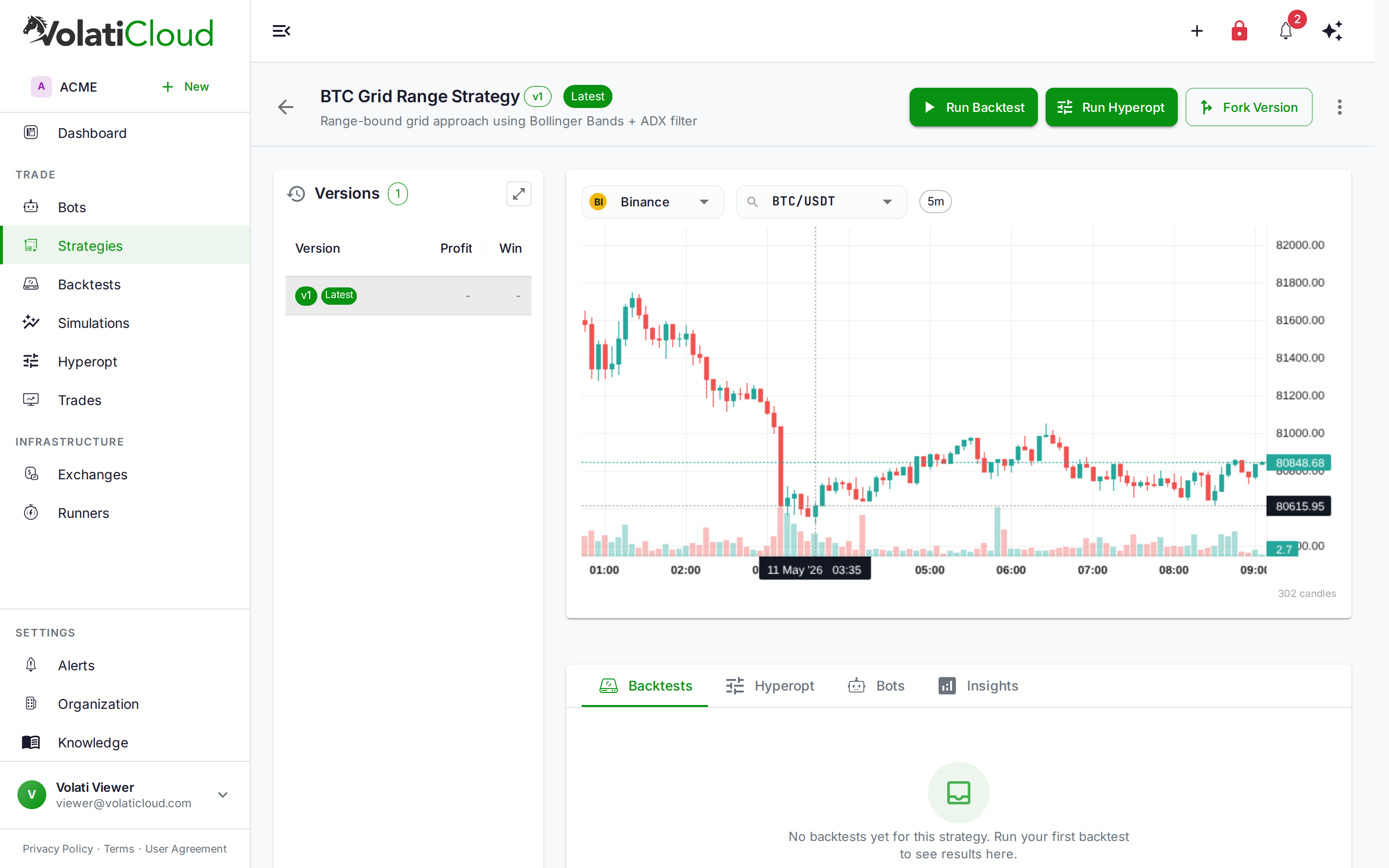
The Ceiling of Server-Side Encryption
VolatiCloud has encrypted sensitive data at rest since launch. Exchange API keys, bot credentials, Docker TLS certificates, and S3 backup credentials are all encrypted with AES-256-GCM before reaching the database — a strong cipher, properly implemented with per-field nonces and a server-held master key.
The limitation isn't the cryptography. It's the key custody. When the platform controls the encryption key, the platform can decrypt. That's not a flaw in the implementation; it's an inherent property of server-side encryption. A sufficiently privileged insider, a compromised ops environment, or a legal compulsion under the right jurisdiction can reach the plaintext. For credentials like exchange API keys, this risk is bounded by withdrawal-disabled key restrictions — a stolen key in a breach cannot move funds off the exchange. For strategy code, the exposure is different: your intellectual property.
Server-side encryption protects your data from external attackers who breach the database. It provides no protection against the platform itself — or anyone who can temporarily become it.
The Encryption reference has always been explicit about this. Strategy source code and UI Builder configuration were listed under "What Is Not Encrypted at Rest Today" — not because we overlooked them, but because fixing it requires a fundamentally different trust model. That model is now live.
What Passkey-Bound Encryption Provides
The core property: with passkey-bound E2EE enabled on a strategy, VolatiCloud's servers store only ciphertext. No key material accessible to us exists anywhere in the system that would allow decryption. Even with full access to the database, the application servers, and the secrets manager, the plaintext of a protected strategy cannot be recovered without your physical authenticator device.
This is not a marketing claim about operational policy — it's a cryptographic property of the design. The key that can decrypt your strategy lives in a hardware secure enclave (a YubiKey, a Touch ID chip, Windows Hello, or a compatible hardware token). The hardware refuses to export that key; it can only sign challenges. Without the physical device present and the user providing biometric or PIN confirmation, decryption is impossible.
How the Key Hierarchy Works
The design uses envelope encryption — two separate keys with different roles:
Your Passkey (hardware authenticator)
  └─► wraps ─► DEK (per-strategy Data Encryption Key, generated in-browser)
                 └─► encrypts ─► Strategy fields (code, UI Builder JSON, analysis)
When you enable passkey protection on a strategy:
- Your browser generates a fresh DEK (a random AES-256-GCM key) for that strategy.
- The DEK is wrapped using your passkey's public key — an asymmetric operation that produces a ciphertext only your passkey can unwrap.
- The wrapped DEK and the encrypted strategy fields are sent to the server. The raw DEK never leaves your browser.
When you access the protected strategy later:
- The server returns the encrypted strategy fields and your wrapped DEK.
- The browser presents a WebAuthn challenge to your authenticator — you tap your YubiKey, present your fingerprint, or confirm via PIN.
- The authenticator provides the signed assertion; the browser derives the unwrapping key and recovers the DEK locally.
- The DEK decrypts the strategy fields in-browser. The Studio renders.
The round-trip from authenticator tap to decrypted strategy takes under two seconds on typical hardware.
Why Hardware Authenticators Raise the Bar
WebAuthn — the W3C standard behind passkeys, YubiKeys, Touch ID, and Windows Hello — provides a property that passwords cannot match: non-exportability of the private key.
When you register a hardware authenticator, the device generates an asymmetric key pair in its secure element. The private key is generated inside the hardware and never leaves it — not to the browser, not to the OS, not to any application. The device can sign challenges using that key, but it cannot be read, copied, exported, or exfiltrated.
The implications for strategy protection:
| Threat | Password/passphrase | Passkey (hardware) |
|---|---|---|
| Database breach | Protected by encryption | Protected by encryption |
| Key material exfiltrated from server | Not applicable (key is hash-derived) | Not applicable (DEK wrapped, never stored raw) |
| Phishing / credential theft | Vulnerable | Not vulnerable — no credential to steal |
| Keylogger on your device | Vulnerable | Not vulnerable — key never typed |
| Malware reading browser memory | Partially vulnerable | Not vulnerable — key stays in secure element |
| Legal compulsion on VolatiCloud | Decryptable | Undeckryptable — we don't hold the key |
| Physical authenticator lost/stolen without PIN | N/A | Recoverable via backup passkeys |
A passphrase (Trust Tier 1, already live) provides meaningful protection against server-side compromise because the key is split between the server and the user's knowledge. A hardware passkey (Trust Tier 2) adds protection against on-device software attacks because the signing key stays in hardware.
Multiple Passkeys for Multiple Devices
Most traders work across more than one machine — a desktop for strategy development, a laptop for travel, a phone for monitoring. Passkey encryption handles this through multi-wrapping:
When you add a second passkey to a protected strategy, your browser:
- Unwraps the DEK using your first (already-enrolled) passkey.
- Re-wraps the same DEK with the new passkey's public key.
- Stores the new wrapped copy alongside the existing one.
Each wrapped_dek entry is independent — any one of them can unlock the strategy. Register a YubiKey as a hardware backup, enroll Touch ID on your MacBook, add Windows Hello on a workstation — each device gets its own wrapped copy of the same DEK. Removing a passkey removes only that device's wrapped copy; the others remain valid and unlocking continues to work from any enrolled device.
Register at least two passkeys — a primary and a backup stored somewhere physically separate. If you lose access to all enrolled passkeys, there is no server-side recovery path. VolatiCloud mathematically cannot recover the plaintext without your authenticator.
What Gets Encrypted
Passkey protection covers the fields that constitute your strategy's intellectual content:
- Strategy source code — the generated Python file containing your signal logic, indicators, entry/exit conditions, and any custom callbacks
- UI Builder configuration — the full condition tree, indicator nodes with their parameters, logic layer settings, and position mode
- Strategy analysis data — code analysis results, complexity metrics, indicator usage inventory, and Hyperopt parameter suggestions
What stays plaintext: strategy name, creation date, version label, visibility setting (public/private), and the list of associated bots. These fields are needed for listing, routing, and organization-level queries and carry no sensitive content.
The chart below shows which trust tier covers each data class:
| Data | Today (server-side) | T1: Passphrase | T2: Passkey |
|---|---|---|---|
| Exchange API keys | ✅ AES-256-GCM | Envelope-wrapped | Envelope-wrapped |
| Bot secure config | ✅ AES-256-GCM | Envelope-wrapped | Envelope-wrapped |
| Runner credentials | ✅ AES-256-GCM | Envelope-wrapped | Envelope-wrapped |
| Strategy code | Plain | ✅ Encrypted | ✅ Hardware-bound |
| UI Builder JSON | Plain | ✅ Encrypted | ✅ Hardware-bound |
| Strategy analysis | Plain | ✅ Encrypted | ✅ Hardware-bound |
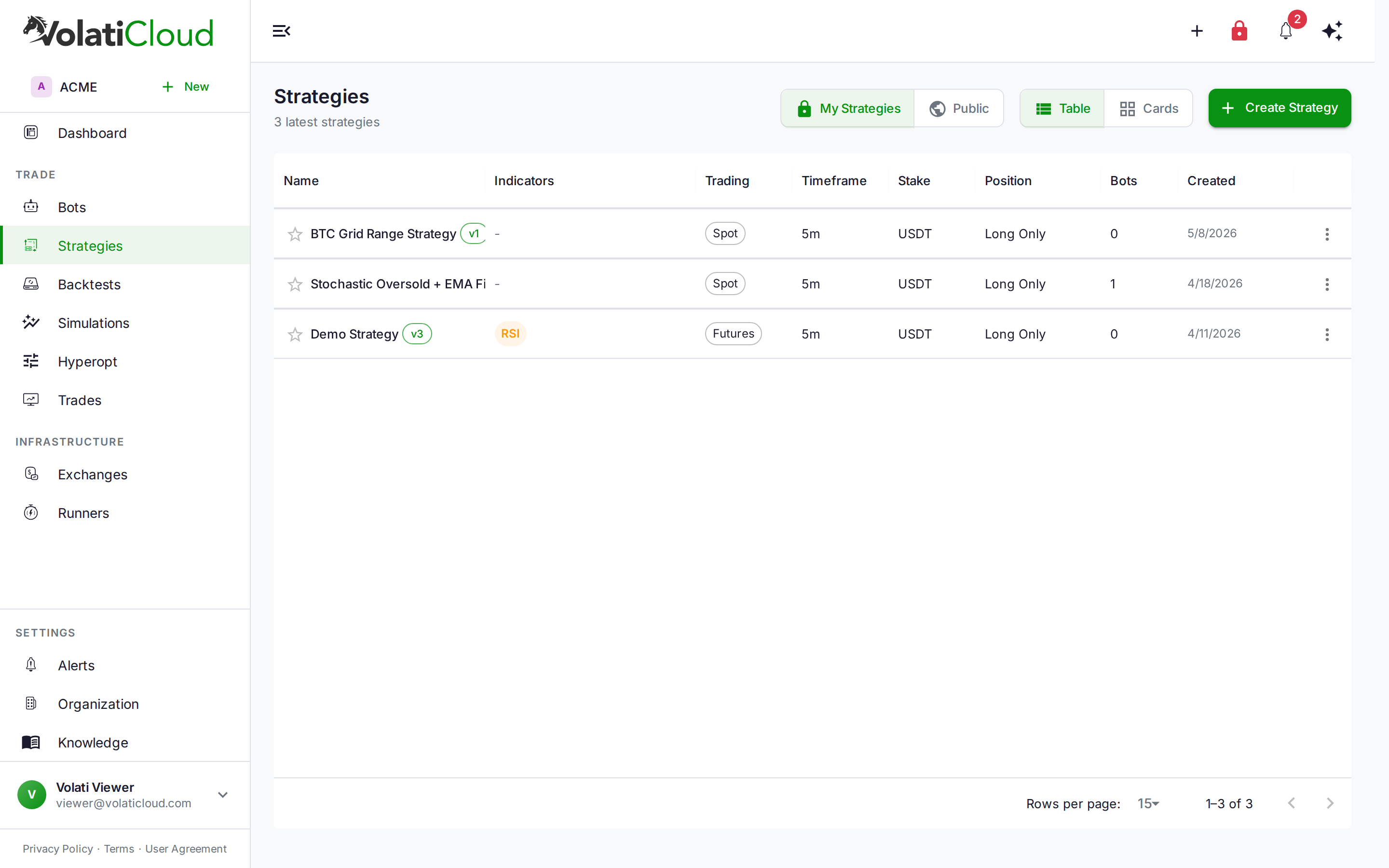
The Day-to-Day Workflow
Passkey protection is opt-in and per-strategy. Unprotected strategies continue working exactly as before. Here's how to enable it:
Setup (once per account):
- Register at least one passkey in Organization → Settings → Security → Passkeys. Any WebAuthn-compatible authenticator works: YubiKey 5 series, Apple Touch ID, Face ID, Windows Hello, or any FIDO2 hardware token.
Enabling protection on a strategy:
- Open a strategy in the Studio.
- In the Save menu, choose Enable Passkey Encryption. Your browser will prompt for a WebAuthn gesture to initialize the DEK and generate the first wrapped copy.
- From that point forward, every save automatically re-encrypts the strategy fields under the DEK — no additional passkey gesture needed per save. The DEK is held in memory for the duration of the Studio session.
Accessing a protected strategy:
- Navigate to the strategy. The Studio detects the
wrapped_deksrecord and shows the unlock modal. - Provide your WebAuthn gesture (tap, biometric, or PIN).
- The Studio renders with decrypted content.
If you work across multiple devices, add your additional passkeys immediately after enabling encryption on a strategy — while you have the DEK in-session. Adding a new passkey later requires re-authenticating with an existing passkey first.
You can enable passkey protection on existing strategies — the Studio re-encrypts all current field values on the next save after you opt in. Strategy versions are immutable, so older versions retain their original encryption state; the new version gets the passkey-protected DEK.
How This Fits the Trust Roadmap
Passkey-bound E2EE is Trust Tier 2 in VolatiCloud's progressive security roadmap. Trust Tier 1 (passphrase-based encryption, where a customer-supplied passphrase is combined with the server key via envelope encryption, so neither side alone can decrypt) shipped earlier this year. Trust Tier 3 — Bring Your Own Key, integrating with AWS KMS, GCP KMS, or Azure Key Vault — is next for teams that need enterprise key management and KMS-backed audit trails.
Each tier is additive: you can use passphrase encryption on some strategies and passkey encryption on others, depending on sensitivity and your team's workflow constraints.
The full architecture — DEK generation, wrapping key derivation, server-side passthrough for ciphertexts, and audit logging — is documented in the Encryption reference and the Threat Model.
Start Protecting Your Alpha
If your strategies represent research you would not want a competitor to read, passkey encryption is worth the five-minute setup. Register your authenticators, enable protection in the Studio's Save menu, and your strategy code moves from "encrypted by us, readable by us" to "encrypted by you, unreadable by anyone without your hardware."
Head to the VolatiCloud console to register your passkeys and start protecting your strategies. Questions on the architecture? The Encryption reference walks through the full key hierarchy, audit logging, and the roadmap to BYOK.